Connect Jobber in 2 minutes
Invite HP Marketplace as a team member.
Do this while signed in as a Jobber admin.
1
Go to Gear, then Manage Team, then Invite New Member.
From Jobber’s help center. Click Invite New Member.
2
Enter the name HP Marketplace and this email.
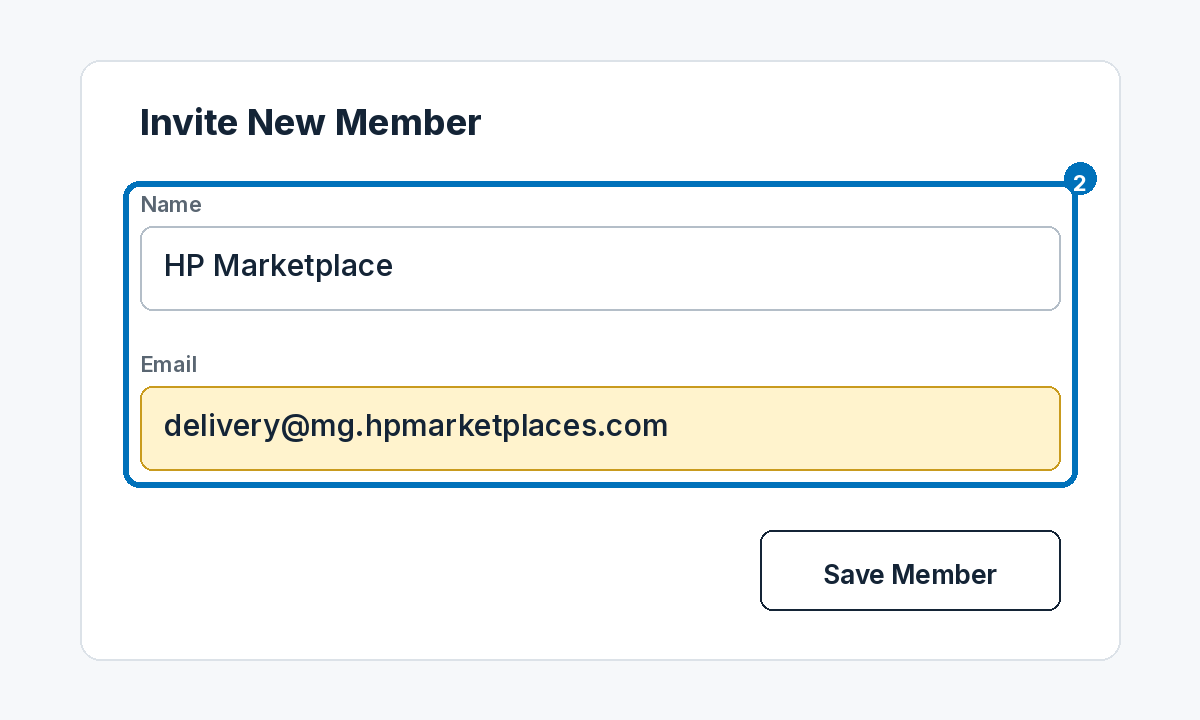
Example screen. Then click Save Member.
3
Start with Senior field crew. Allow clients and requests, not admin.
- ✓ Senior field crew
- ✓ Clients and Properties: view and edit
- ✓ Requests: view, create, and edit
- ✕ Not an administrator
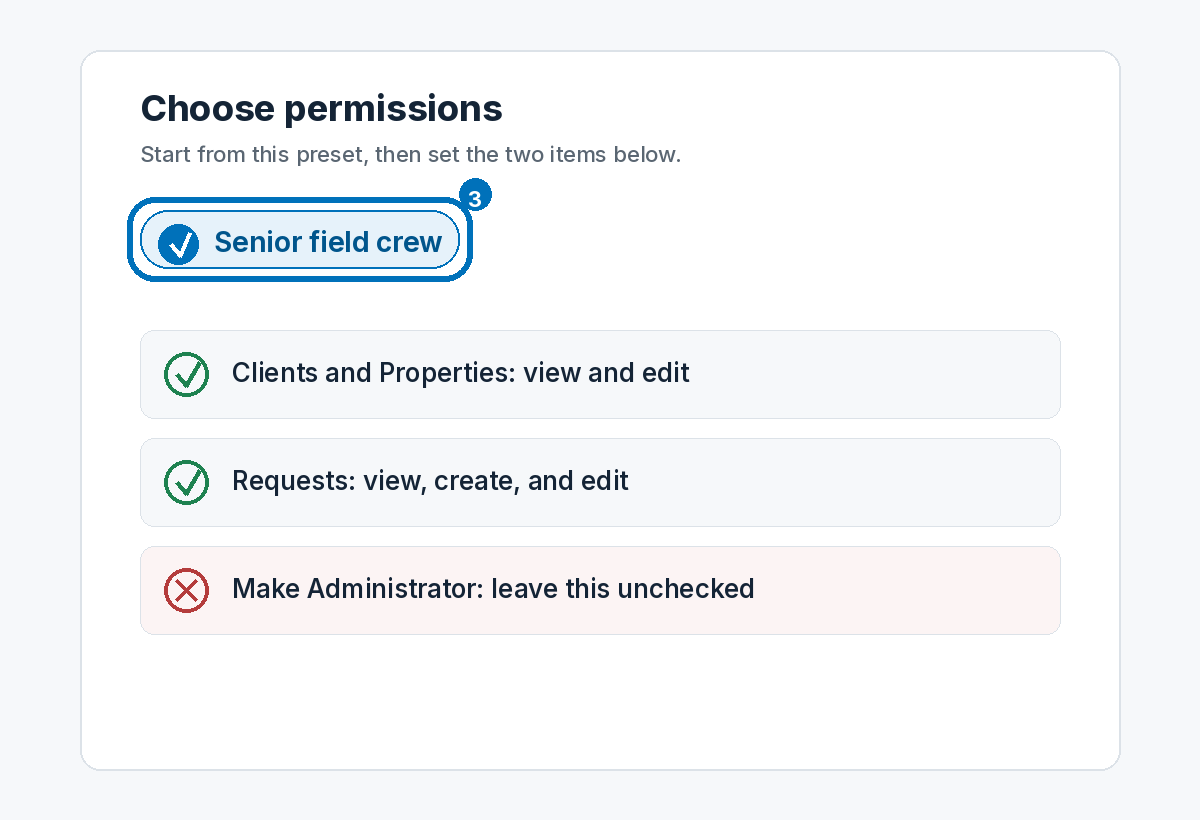
Example screen.
4
Email [email protected] and say the invite is done.
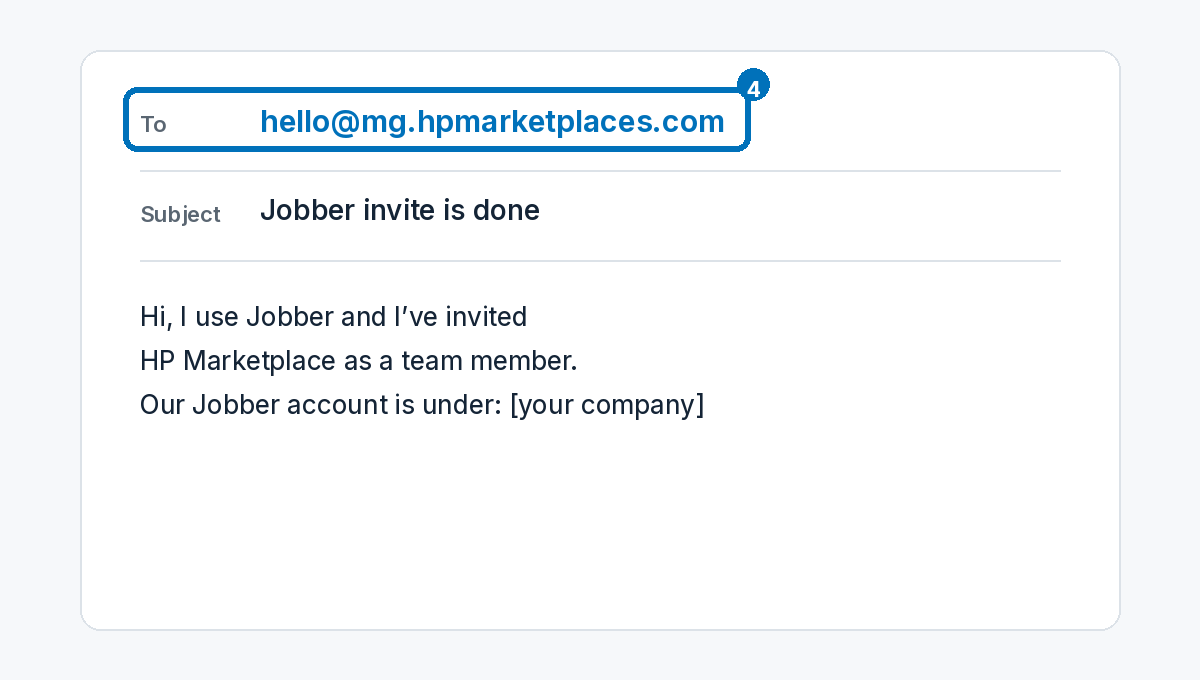
Example. No password needed — we will accept the invite.
You don’t share a password, and you can remove this user anytime.
This uses one Jobber user seat.
HPMarketplace · 230 Northgate St., #470, Lake Forest, IL 60045 · 800-900-7875